
What’s In My Cart? An Inside Look at Our Modules’ Components

Are you wondering… “what exactly is included in the modules?”

We know our modules are an investment, so we want you to know exactly what you’re getting with every meeting module. You and your team deserve to experience the best, most efficient meetings possible and we’re here to provide you with everything you need to make it happen.

Every meeting module includes the same three elements, yet each element is unique content that corresponds with the theme and objective of each module. Let’s get into it.

After You Subscribe

After you choose a subscription (Starter Solo – 1 module, Team Toolkit – 3 modules, or All Access – all 12 modules), select your desired module(s) and log in as a new user to the GettaMeeting Portal. Your modules will appear here as “courses”. 
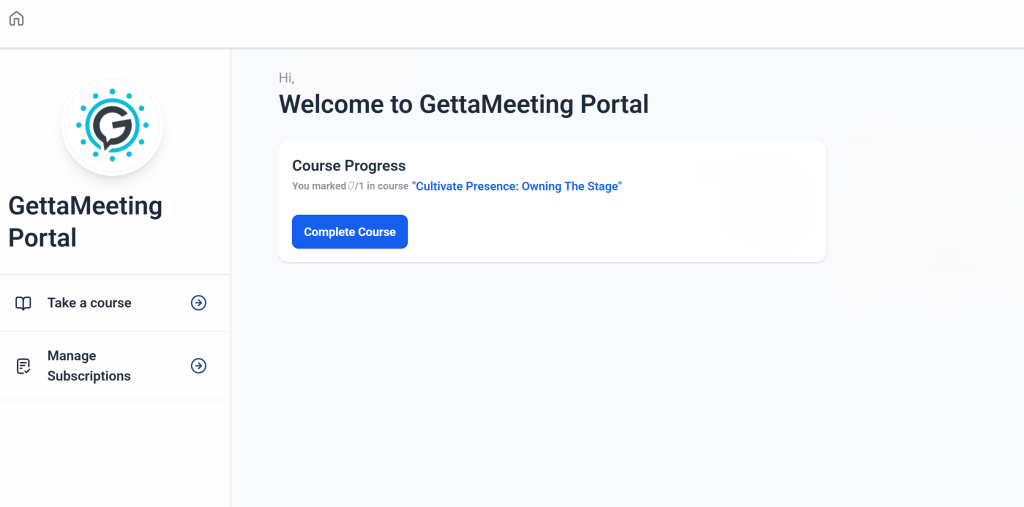
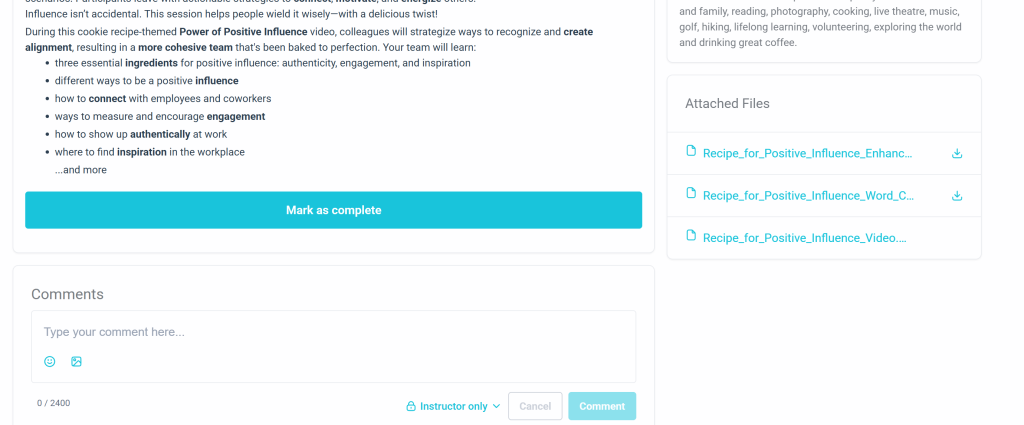
Start a course and check out all three elements: the enhancements (in PDF form), the video (ready to stream), and a word cloud (in PDF form). All of the PDFs are downloadable, so they can be printed and/or shared with your team or meeting facilitator.
Your module(s) can be accessed via your account at GettaMeeting.com, but you will also receive an email that includes the details and a link to your module(s).
Breaking Down Each Element

Video

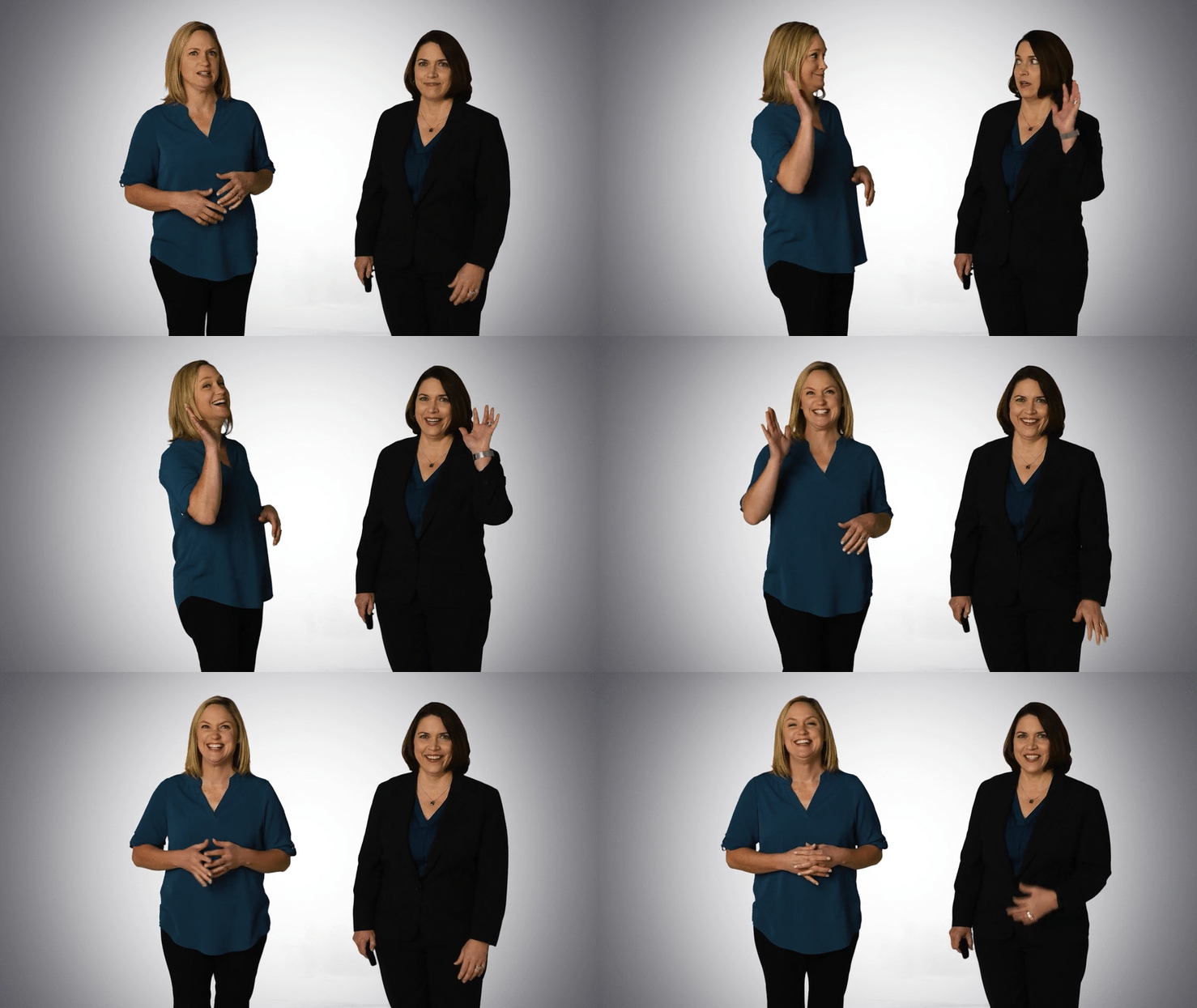
The main character of the module is the video. The video contains 25 to 40 minutes of CEO Brenda and/or COO Trinda lecturing in-depth on the subject, such as shifting perspectives, getting organized, creating habits, or becoming the ultimate team player. The video features Brenda and Trinda with accompanying visuals and a few opportunities to pause the video and reflect individually or as a team with prompts.
Enhancements

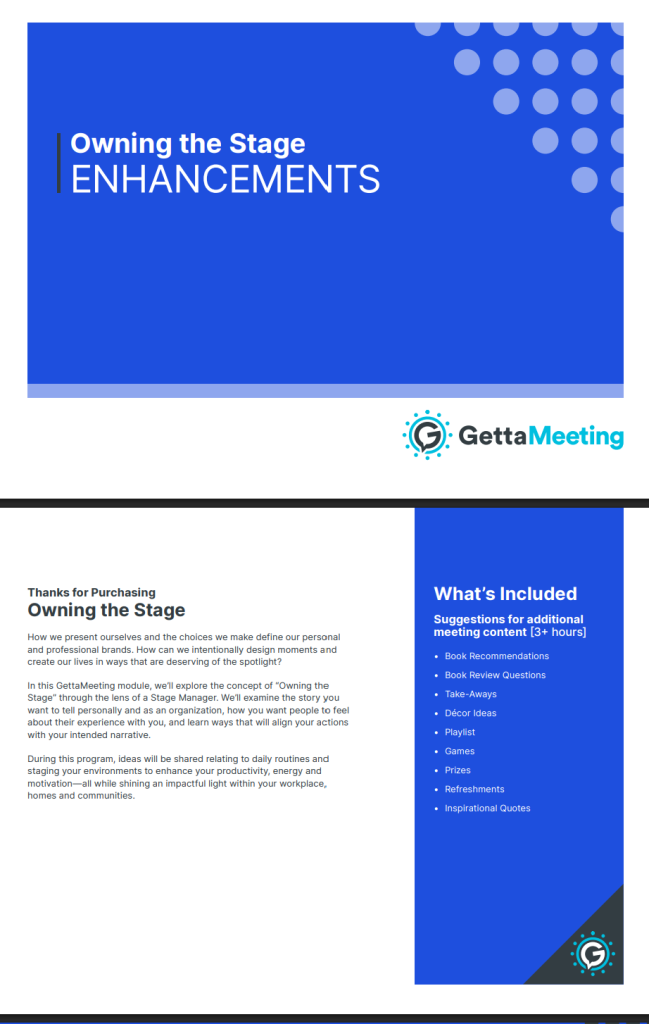
The Enhancements take your meeting to the next level. The PDF is filled with 12 or more pages worth of meeting activities, supplies, and more. In total, the enhancements provide over three hours of additional meeting content, yet it is up to you what you want to utilize and how much time you want to spend in the meeting. Here’s exactly what each unique enhancement PDF contains:

  • 3 book recommendations. These books align with the meeting theme and objective for those seeking to expand their knowledge further.
  • 13 book club questions. This list of book review questions accompanies the selection of books. Whether your team wants to form a book club and read one or all of the suggested books together or on their own, the book review questions help your team reflect on the experience of reading a book that boosts their professional skills.
  • Take-Aways. Take-aways are a proven technique designed to drive home a main point or remember something learned from a meeting. With an array of price points and items both creative and practical, the curated Pinterest board of takeaway items is designed to make your life easier and your meeting more memorable. Simply follow the links in the Pinterest board or search for the products online. Many of our modules’ takeaway items include themed journals and pens for taking notes, but there are many more special items to choose from.
  • Decor Ideas. Another curated Pinterest board contains decoration ideas that take your meeting from plain to exciting, special, and themed. Many teams like to tie lunch into their meetings, so we’ve kept that in mind with our decor selection. The Pinterest board works for any budget, as you can choose which elements to include or exclude.
  • Playlist. Add energy and excitement to your meeting by adding ten curated songs to a playlist on your preferred music streaming platform. The themed songs can be played during the team building games, as people enter the meeting, or when the team leaves.
  • Games. Three games at different activity levels (low, medium, and high) are provided for your team to enhance their collaboration, bonding, and reflection on the meeting content. Each activity ties into the content of the module and makes your meeting more impactful. We list everything you need for each game (usually only a few items that are already in your office or workspace) and provide thorough instructions for each game. Play one, two, or all of the games for an eventful session.
  • Prizes. A Pinterest board dedicated to themed prizes complements the games. These prizes are usually small and perfect for the workplace. Follow the links to items on the board to purchase and give to the winners on your team. A quirky keepsake helps your team remember the meeting content and reminds employees of important lessons learned.
  • Refreshments. Having food and beverages at meetings elevates your team’s experience. We curate food and beverages to match the theme and enhance your sessions, whether short with small bites to eat or long with a complete lunch. We give you all of the options – you choose!
  • Inspirational quotes. A list of 15 inspirational quotes ties up the Enhancements. These quotes are carefully selected to inspire you and your team to pursue new skills, find the beauty in new knowledge, and continue learning. The quotes correspond with the meeting content and highlight the main points to serve as a reminder of your meeting.

Word Cloud

We design a Word Cloud in a PDF file for each module, ready to print for your team! Display in an office, a home office, or perhaps on a bulletin board in a common area. The words and shape of the word cloud remind everyone of key words and phrases learned during your meeting. You can also give one to each team member to take back to their desk, cubicle, or remote office as a visual reminder of your meeting.

Prepping For And Facilitating a Meeting

The floor is yours when it comes to putting the module into action. You can play the video in a conference room or stream the video through an online meeting platform. You can print some of the enhancement pages and hand them out to your team members, or you can email them to remote employees. Facilitate all three games or one, go all out with decorations or stick to the basics, and keep the music going or play it minimally.

The beauty of our modules is how customizable they are to you and your team’s preferences. 

Head to our Modules page to browse what we have in store for you and your deserving team!